Tool reviews · Updated September 16, 2026 · 9 min read
Instagram automation tools compared: official API vs. browser extensions vs. cloud bots
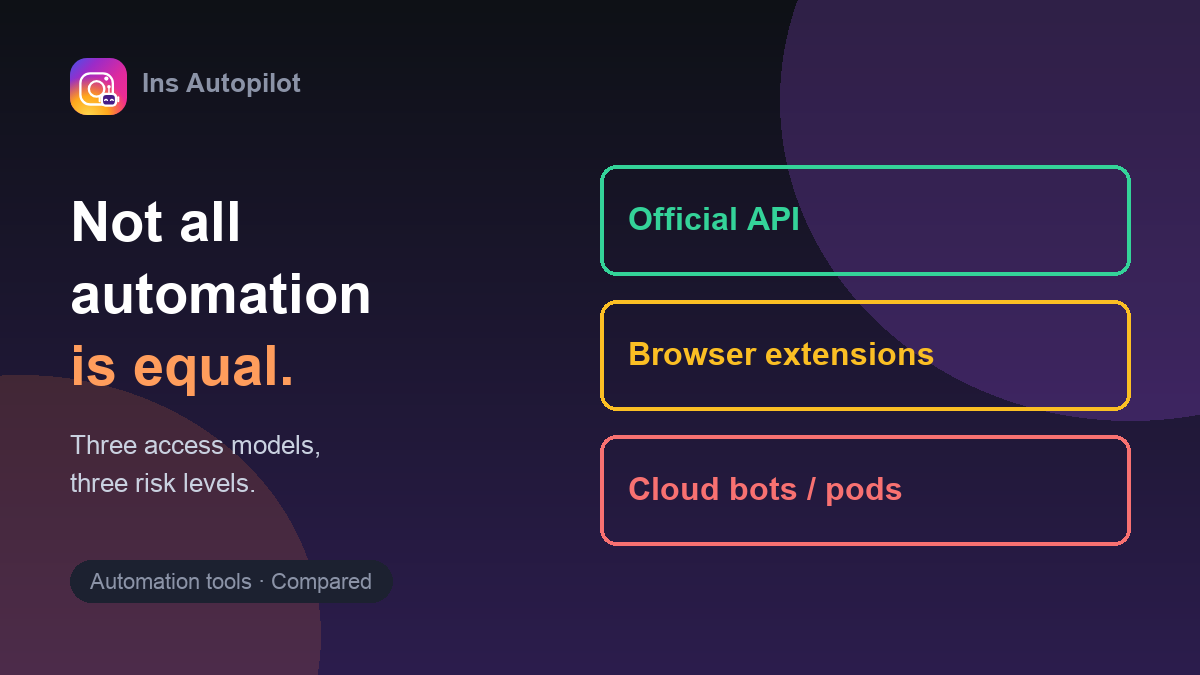
Search for an Instagram auto follow tool and you'll find dozens of products that look interchangeable. They aren't. The meaningful difference isn't the feature list — it's the access model: how a tool gets the power to act on your account. That one fact determines your credential risk, your detection risk, and what happens when something goes wrong. Here are the three models, compared without vendor marketing.
Is Instagram automation allowed?
Start with the rule everything else hangs on. Instagram's Terms of Use prohibit unauthorized automated activity — bulk actions, spam, simulated engagement. On the sanctioned side of the line sits Meta's official Instagram API, which permits specific uses (content publishing, messaging within strict limits, insights) for approved apps. Everything else — every tool that drives the instagram.com interface like a human would — operates without official authorization, whatever the landing page says.
That doesn't automatically make every non-API tool equally risky or equally unacceptable to every user. It does mean the honest framing is a spectrum of exposure, not a binary "safe/unsafe" badge that vendors stamp on themselves.
The three access models
| Official API | Browser extensions | Cloud bots / pods | |
|---|---|---|---|
| How it acts | Through Meta's sanctioned interface, with documented scopes | Inside your logged-in browser, at human pace | From vendor servers, simulating your app or browser |
| Credentials | OAuth app approval — no password handover | None — uses the session you're already in | Usually your username and password |
| What it can automate | Publishing, messaging within limits, insights | Follow / unfollow / like — the growth actions the API doesn't expose | Everything, at scale — including cold DMs |
| Detection surface | Sanctioned by definition | Depends entirely on pacing discipline | Highest — datacenter IPs, device fingerprints, other accounts in the same pool |
| Failure mode | API errors, scope limits | Action blocks — visible to you, in your browser | Account locks that happen when you're not watching |
The API-vs-bot framing is documented across independent write-ups: Reachlee's API vs. bot comparison and SocialKaptan's 2026 buyer's guide both draw the same line. Meta's own documentation is at developers.facebook.com.
Why cloud bots need your password — and why that matters
A cloud bot runs on servers you don't control. For it to follow, like, or DM as you, it must log in as you — from a datacenter IP, on hardware it has never seen, alongside every other account the vendor runs. That's why this category requires your Instagram password. The consequences compound:
- Credential exposure. Your password lives in someone else's database. If they breach, you don't just lose an automation tool.
- Shared fingerprint risk. Detection systems watch for many accounts behaving alike from the same infrastructure. One vendor's mistake can sweep in your account.
- No visibility. When Instagram shows a challenge or a block, it shows it to you — not to the server acting as you. Cloud tools handle this blind, or worse, keep retrying.
What browser extensions can and can't do
Extensions occupy the middle of the spectrum. They can't touch the official API's growth-shaped hole — Meta deliberately doesn't expose follow/unfollow through it — but they run where you run: your browser, your session, your IP, your device. No password ever changes hands. When Instagram pushes back with a block or a challenge, you see it in real time because it's happening in your own window.
The model's weakness is honesty about pacing: an extension could still fire actions at machine speed and burn your account. Whether an extension is safe depends on whether it chooses human-pace discipline — randomized delays, daily caps, cool-downs, automatic back-off. That's a design decision, not a category guarantee. Our safety guide covers what conservative pacing looks like in practice.
Engagement pods: the odd one out
Pods deserve their own paragraph because they market as "real engagement, not bots." The mechanics: a group of accounts agrees to like/comment on each other's posts, sometimes coordinated by software, sometimes manually. The problems are structural — coordinated reciprocal engagement is exactly the pattern spam detection hunts for, and the engagement is rarely from people who actually care about your niche, which teaches the ranking system to show your content to the wrong audience. Independent write-ups (Hypeflare's pod analysis) reach the same conclusion from the marketing side: short-term vanity numbers, long-term audience confusion.
Choosing by scenario, not by feature list
- You want scheduled posts and insights. Use the official API ecosystem — legitimate scheduling tools abound. This is the sanctioned path.
- You want paced follow/unfollow/like growth activity, and you won't hand over your password. Browser extensions are the category built for exactly this constraint. Judge them by their pacing controls, not their feature count.
- You're considering a cloud bot. You now know what the password handover and shared-infrastructure risk mean. If the growth promise sounds too clean, it's marketing — re-read the failure modes above.
- You're offered a pod. Ask what your real audience gets out of it. Usually that question answers itself.
How Ins Autopilot fits
Ins Autopilot is deliberately in the browser-extension category, and this article is essentially our design doc: it runs inside your own logged-in session, never asks for a password, enforces hard daily caps (10/day Free, 200/day Monthly, 250/day Annual per action type), randomizes 4–15 second delays, takes cool-down breaks, and stops on its own when Instagram starts refusing actions. We treat even community-reported limits as ceilings to stay well under — see the limits guide for that data.
No automation is zero-risk; anyone promising that is selling. But risk is a function of access model and pacing discipline, and both are choices you get to make.
Frequently asked questions
Is there an Instagram app that automatically follows people?
Yes — several categories of tools can automate following, from browser extensions that pace actions inside your own logged-in session to cloud bots that act on your behalf from remote servers. What varies is not the capability but the access model, and with it the risk to your account and credentials.
Is Instagram automation allowed?
Instagram's Terms of Use prohibit unauthorized automated activity and spam. Automation through Meta's official APIs (for permitted uses like scheduling and messaging within limits) is sanctioned; anything that simulates a user session outside the API exists in a gray-to-prohibited zone, regardless of what a vendor's marketing implies.
What is the safest type of Instagram automation tool?
Tools that never ask for your Instagram password, run inside your own logged-in browser session or use official APIs, enforce conservative daily caps, and stop automatically when Instagram signals a problem. The common thread: you keep your credentials, and the tool treats limits as ceilings rather than targets.
Are engagement pods safe for growing on Instagram?
Engagement pods trade authenticity for coordination: groups agree to like and comment on each other's posts on a schedule. Beyond violating the spirit (and often the letter) of Instagram's spam rules, pods tend to bring irrelevant engagement that confuses the algorithm about your audience — and coordinated automation adds account risk.
